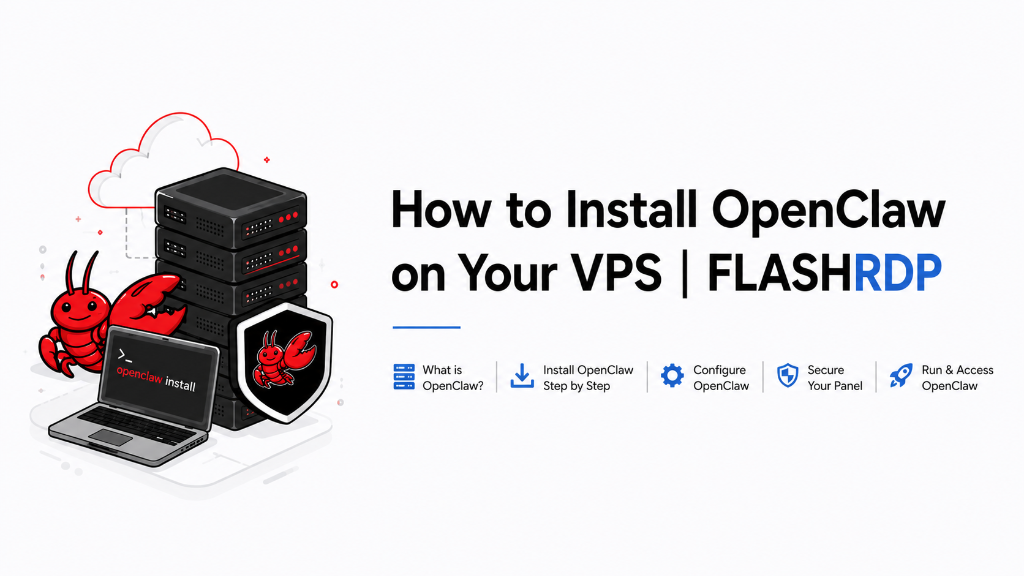
Deploying OpenClaw on a VPS allows you to run a powerful, autonomous AI orchestration layer locally, ensuring maximum data privacy and 24/7 automation.
Last updated: May 13, 2026
The landscape of artificial intelligence is rapidly shifting from chat-based assistants to autonomous agents that can independently execute complex workflows. As organizations seek to maintain control over their data while leveraging these tools, the demand for local orchestration layers has skyrocketed. According to industry analysis, the global AI agent market is expected to experience a compound annual growth rate of over 40% as businesses move away from centralized black-box models toward transparent, self-hosted solutions.
OpenClaw is at the forefront of this movement. It acts as an intelligent intermediary, connecting large language models (LLMs) to your local file system, shell, and messaging apps. By hosting OpenClaw on a dedicated VPS, you gain a persistent, always-on environment where your agents can work through tasks while you sleep, without the latency or privacy concerns of fully cloud-managed platforms.
Prerequisites
Before you begin the installation, ensure you have the following ready:
- A Linux VPS running Ubuntu 22.04 LTS or Debian 12 (recommended).
- Node.js 22 or higher.
- A valid API key from a supported provider (Anthropic, OpenAI, Google) or a local instance of Ollama.
- Basic familiarity with the Linux command line.
💡 Tip: FlashRDP's KVM-based Linux VPS plans are optimized for AI workloads, offering the raw performance and NVMe speeds needed for fast agent response times. Plans start at $11.99/month with instant setup. View Linux VPS plans.
Step 1: Update Your System and Install Node.js 22
OpenClaw requires Node.js 22 to handle its advanced orchestration logic. Start by logging into your VPS via SSH and updating your package index.
Next, install Node.js using the official NodeSource distribution to ensure you get the latest version.
Verify the installation by checking the version:
Step 2: Run the OpenClaw Installer
OpenClaw provides a streamlined installation script that handles environment checks and core file setup. This single command pulls the latest stable release and prepares the openclaw binary.
Once the script completes, you may need to reload your shell profile or manually add the binary to your path if the installer prompts you to do so.
Step 3: Initialize and Onboard Your Agent
The onboarding process is where you configure your agent's identity and connect it to your preferred LLM provider. Run the onboard command to start the interactive setup.
During this step, you will be asked to:
- Provide your AI Provider API Key.
- Set up your pairing code for secure messaging connections (like Telegram or Discord).
- Define the default "home directory" where the agent is allowed to read and write files.
ℹ Note: If you are using a local model via Ollama, ensure the Ollama service is running on your VPS and specify the local endpoint (usually http://localhost:11434) during onboarding.
Step 4: Configure OpenClaw as a Background Service
To ensure your AI agent stays online after you close your SSH session, you should run OpenClaw as a daemon. You can re-run the onboarding command with the daemon flag to generate the necessary systemd service files.
After the service is installed, you can manage it using standard system commands:
Why FlashRDP for OpenClaw?
Running autonomous agents requires high reliability and disk speed to manage large file contexts and rapid task execution. FlashRDP provides the ideal foundation:
- NVMe M.2 Storage: Enterprise-grade SSDs ensure your agent can index and search local files with zero bottleneck.
- KVM Virtualization: Dedicated resources mean your agent's performance isn't affected by other users on the host.
- No KYC Privacy: Maintain the privacy of your AI operations. We accept 50+ cryptocurrencies and require no identity documents.
- 99.95% Uptime SLA: Your autonomous workflows keep running 24/7 without interruption.
- 1 Gbps Unmetered Bandwidth: Seamlessly handle large model downloads and high-frequency API calls.
Frequently Asked Questions
Can I run OpenClaw with local models like Llama 3?
Yes. OpenClaw supports Ollama out of the box. Simply install Ollama on your FlashRDP VPS, pull your desired model (e.g., ollama pull llama3), and select the Ollama provider during the openclaw onboard process.
Is OpenClaw secure on a public VPS?
OpenClaw uses a pairing mode for messaging integrations and local-only access for its core API gateway by default. However, we recommend using a firewall like ufw to restrict access to only the ports you explicitly need.
What happens if the agent hits an error while I'm away?
If you have installed the daemon, OpenClaw will automatically attempt to restart. You can check the failure logs at any time using openclaw gateway logs to diagnose what went wrong.
How much RAM does OpenClaw need?
The framework itself is lightweight, but the Node.js process and file indexing can use significant memory. For a smooth experience, we recommend at least 4GB of RAM, which is included in our Standard Linux VPS plans.
Does FlashRDP block AI traffic?
Not at all. We provide a completely open environment with full root access. We do not throttle API calls to Anthropic, OpenAI, or other providers, ensuring your agent always has the bandwidth it needs.
How do I update OpenClaw?
You can update to the latest version at any time by running the installer command again. It will detect your existing configuration and upgrade the core binaries without losing your settings.

Rohan
Operations Manager & Founder
Operations Manager at FlashRDP. With 5+ years in cloud infrastructure, Rohan specializes in KVM virtualization, network security, and building privacy-focused hosting solutions for professionals worldwide.