

Profile
Under Personal details and Billing address you can change:- First name, last name, Company (optional, shown on your invoices) and Phone (with the country code first, for example
+1 555 0100) - Email language: the language of account and billing emails
- Address, city, state or region, postcode and country
- Tax ID: a VAT or GST number, if your business has one
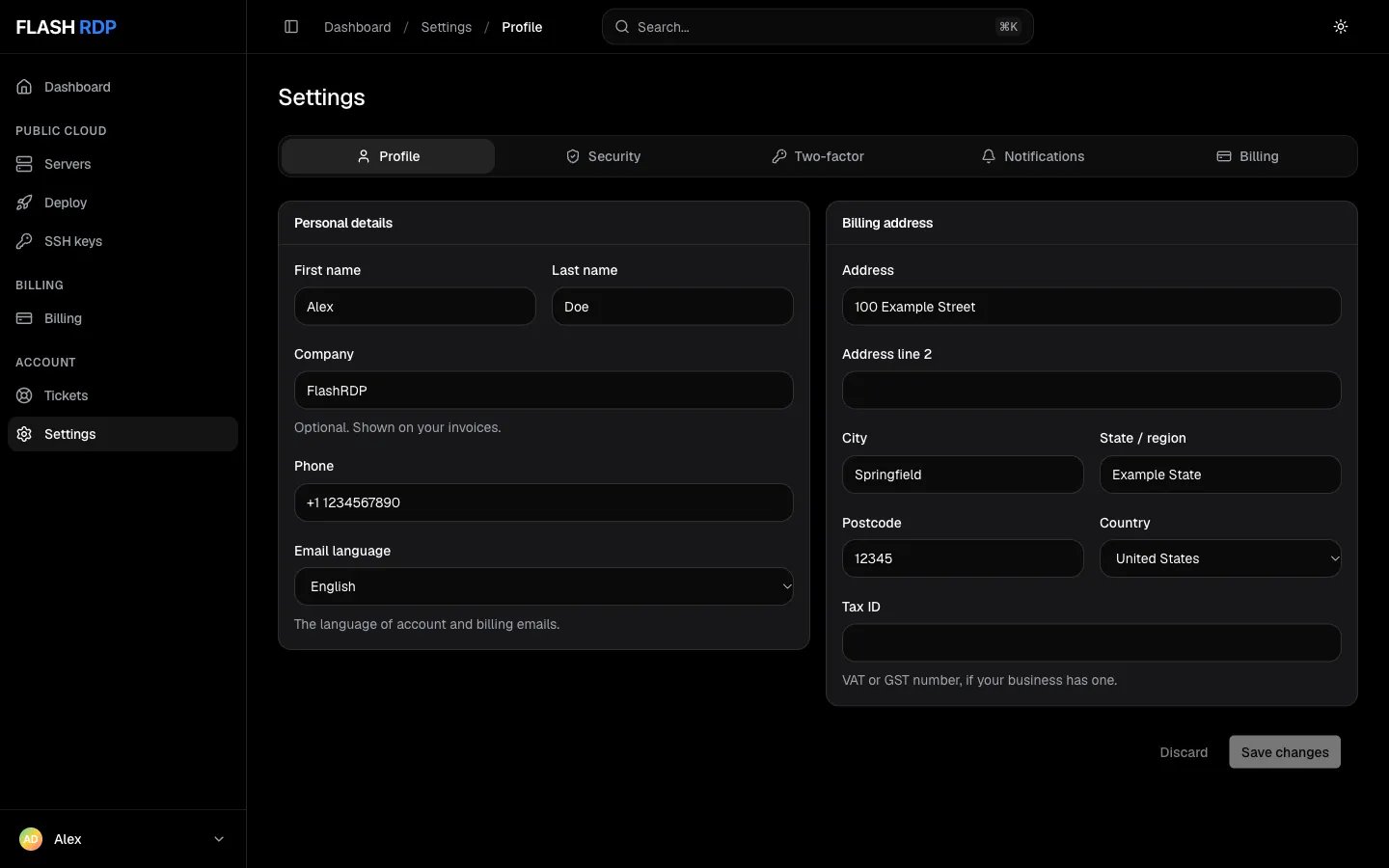
Settings, Profile tab
Your login email can’t be changed here. It’s under Security, because it needs your password and a confirmation link.
Notifications
Choose which emails you receive. Each switch saves on its own:- Invoices and payments: new invoices, payment confirmations and reminders before a renewal
- Servers: server set-up details, suspensions and renewal notices
- Support tickets: replies from our team
- Account: account announcements and service notices
- News and offers: occasional product news and promotions
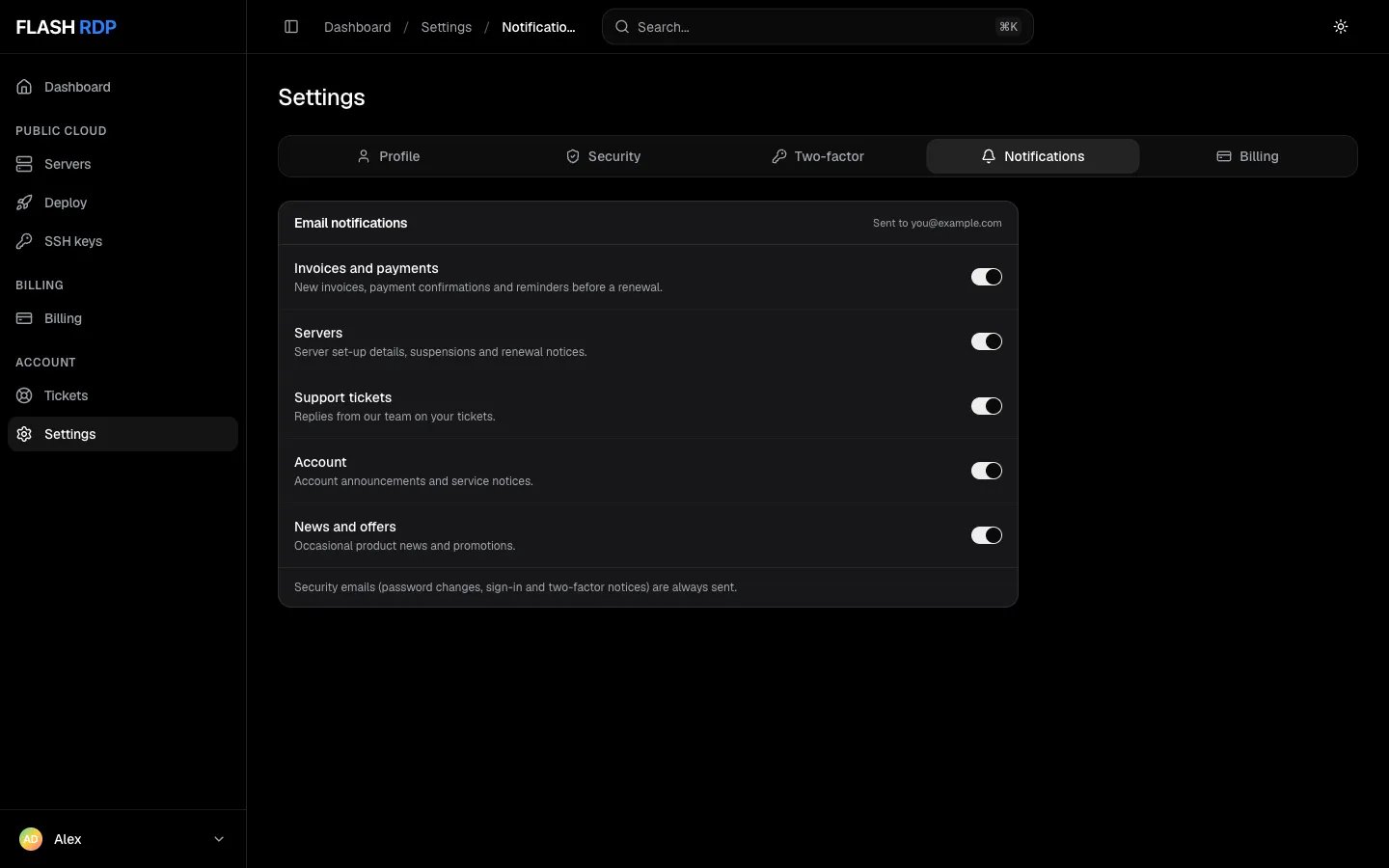
Settings, Notifications tab
Billing
- Preferred payment method: preselected when you pay an invoice and used for new orders. See Invoices, payments and credit.
- Account credit: your balance, with a link to its History and Add funds
- Billing contact: the name, company, address and tax ID printed on invoices (edit them under Profile). Invoices go to your login email.
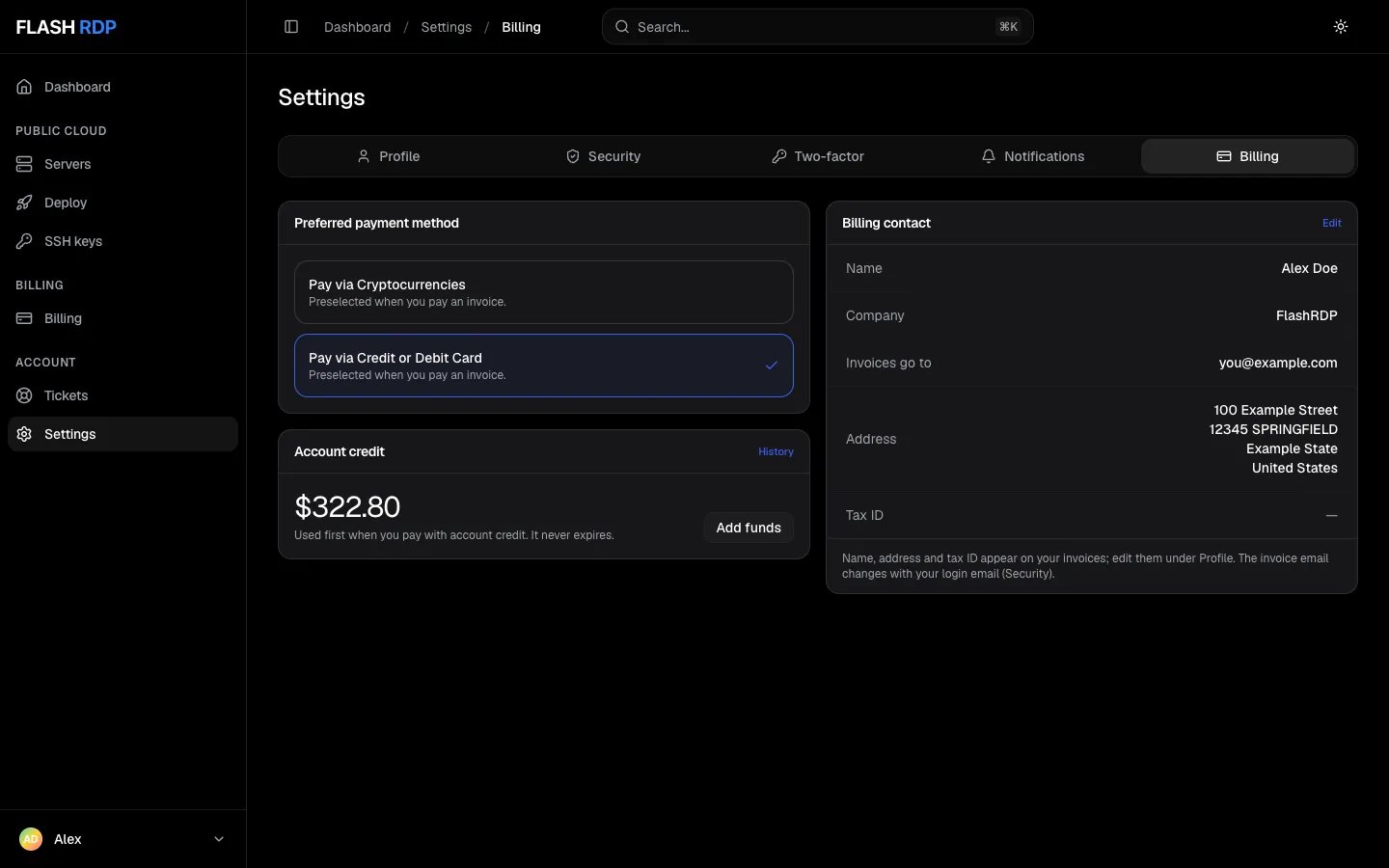
Settings, Billing tab
Related Articles
Password, login email and two-factor
Keep your account secure.
Invoices, payments and credit
Pay invoices and add credit.